
Troubleshooting iStoreOS IPv6 in NDP Relay Mode
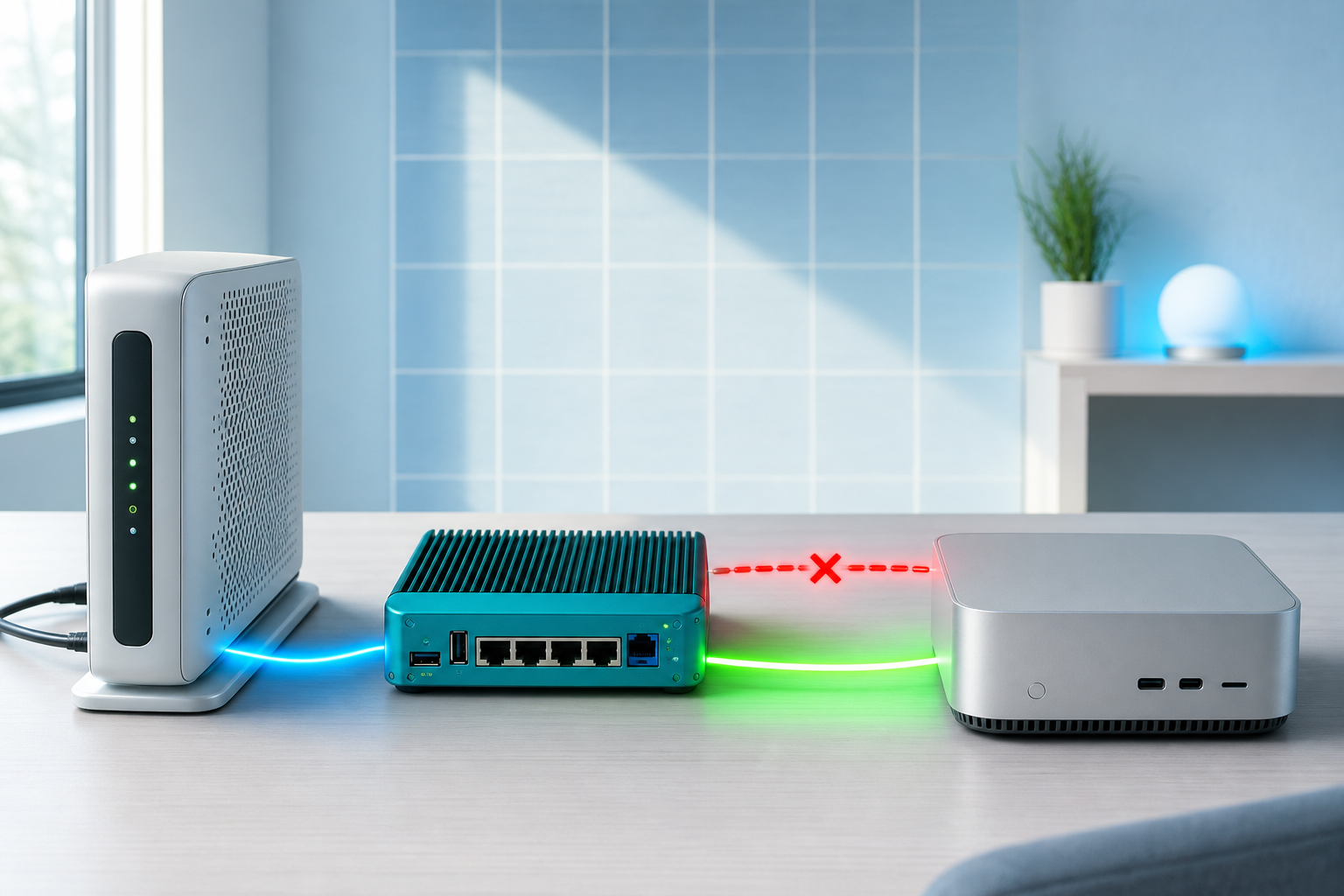
The Mac had an IPv6 address but couldn't ping any public IPv6 address. It had always worked, then one day it just stopped, and rebooting the router didn't help. It turned out to be iStoreOS's unstable NDP Relay mode — flipping one line of config from relay to server fixed it. This post walks through the full layer-by-layer investigation down to the root cause.
Environment
| Item | Value |
|---|---|
| ISP | China Mobile |
| ONT (optical modem) | Huawei HN8546X6N-20 (10G-GPON HGU) |
| ONT address | 192.168.1.1 |
| Router | iStoreOS (OpenWrt derivative) |
| Router address | 192.168.100.1 |
| Client | macOS (Mac mini) |
Network topology
China Mobile IoT 100.107.64.1
    ↓
ONT Huawei HN8546X6N-20 (192.168.1.1)
    │  WAN-side prefix: 2001:db8:1:8e0::/64 (via RA)
    │  Delegated prefix: 2001:db8:1:8e1::/64 (via DHCPv6-PD to router)
    ↓
iStoreOS router (192.168.100.1)
    │  eth0 (WAN): 2001:db8:1:8e0::1
    │  br-lan (LAN): 2001:db8:1:8e1::1
    ↓
Mac (192.168.100.x)
    NIC: en8 (wired)
    Proxy: xray (socks5://127.0.0.1:10808)
Symptoms
| Symptom | Detail |
|---|---|
| Mac has an IPv6 address | 2001:db8:1:8e0:xxxx (SLAAC) |
| ping6 to any public IPv6 | 100% loss |
| SSH to an IPv6 VPS | timeout |
| SSH to the VPS via proxy | works (proxy has its own IPv6 egress) |
| Router reboot | no effect |
Layer-by-layer investigation (divide and conquer)
The core method is to test segment by segment and find which link is broken.
Step 1: confirm a local IPv6 address exists
ifconfig en8 | grep "inet6"inet6 2001:db8:1:8e0:877:d5df:d03a:f9f1 prefixlen 64 autoconf secured
inet6 2001:db8:1:8e0:6de7:3f2:87ad:12 prefixlen 64 autoconf temporaryThe Mac has a China Mobile SLAAC-assigned public IPv6 address. But having an address does not mean connectivity works.
Step 2: confirm IPv6 is actually broken (ruling out the proxy)
# ping6 is ICMP, completely unaffected by HTTP_PROXY/ALL_PROXY
/sbin/ping6 -c 3 2606:4700:4700::1111
3 packets transmitted, 0 packets received, 100.0% packet lossDirect IPv6 is completely dead — not a proxy issue, a routing-layer issue.
Step 3: test each hop to locate the break
Mac → public IPv6          → ❌ 100% loss
Mac → iStoreOS (link-local) → ✅ 1.6ms
iStoreOS → ONT fe80::1     → ✅ 1.5ms
iStoreOS → public IPv6     → ✅ 198ms
# Mac → router (link-local, needs a zone ID)
/sbin/ping6 -c 2 fe80::447b:bcff:fe7d:cde4%en8
# iStoreOS → ONT
ssh [email protected] "ping6 -c 3 -I eth0 fe80::1"
# iStoreOS → public
ssh [email protected] "ping6 -c 3 2606:4700:4700::1111"Everything above iStoreOS is fine; the problem is iStoreOS → Mac IPv6 forwarding — the router's IPv6 config is wrong.
Step 4: check iStoreOS's IPv6 mode
ssh [email protected] "uci show dhcp | grep -E 'ra|dhcpv6|ndp'"dhcp.lan.ra='relay'
dhcp.lan.dhcpv6='relay'
dhcp.lan.ndp='relay'
dhcp.wan.ra='relay'
dhcp.wan.dhcpv6='relay'
dhcp.wan.ndp='relay'iStoreOS is in NDP Relay mode. Relay instability is a known issue and likely the root cause.
Step 5: restarting odhcpd doesn't help
ssh [email protected] "/etc/init.d/odhcpd restart"
sleep 5
/sbin/ping6 -c 3 2606:4700:4700::1111
# still 100% loss
Relay mode itself is defective; a restart can't fix it.
Step 6: the breakthrough — did the ONT delegate a prefix (PD)?
The turning point: figure out whether the ONT actually gave iStoreOS its own IPv6 prefix.
First, the WAN interface shows no PD:
ssh [email protected] "ubus call network.interface.wan status"{
"proto": "dhcp",
"delegation": false,
"ipv6-address": [],
"ipv6-prefix": []
}WAN is pure IPv4 DHCP with delegation off — looks like no PD. But iStoreOS's stock config also has a standalone DHCPv6 interface (proto=dhcpv6, device=eth0):
ssh [email protected] "ubus call network.interface.DHCPv6 status"{
"proto": "dhcpv6",
"up": true,
"delegation": true,
"ipv6-prefix": [
{
"address": "2001:db8:1:8e1::",
"mask": 64,
"class": "DHCPv6",
"assigned": {
"lan": {
"address": "2001:db8:1:8e1::",
"mask": 64
}
}
}
],
"route": [
{"target": "::", "nexthop": "fe80::1",
"source": "2001:db8:1:8e1::/64"}
]
}The ONT successfully delegated a /64 prefix (2001:db8:1:8e1::/64) to iStoreOS via DHCPv6-PD, already assigned to LAN. iStoreOS has its own public prefix and can do native IPv6 routing — no relay needed, no NAT needed. Relay mode was just superfluous.
Step 7: switch DHCP to Server mode
ssh [email protected] 'bash -s' << 'EOF'
# back up first
cp /etc/config/dhcp /etc/config/dhcp.bak.$(date +%Y%m%d_%H%M%S)

# LAN: relay → server
uci set dhcp.lan.ra='server'
uci set dhcp.lan.dhcpv6='server'
uci set dhcp.lan.ndp='disabled'
uci set dhcp.lan.ra_management='1'

# WAN / DHCPv6 interface: relay → disabled
uci set dhcp.wan.ra='disabled'
uci set dhcp.wan.dhcpv6='disabled'
uci set dhcp.wan.ndp='disabled'
uci set dhcp.DHCPv6.ra='disabled'
uci set dhcp.DHCPv6.dhcpv6='disabled'
uci set dhcp.DHCPv6.ndp='disabled'

uci commit dhcp
/etc/init.d/odhcpd restart
EOF
Step 8: clear stale IPv6 addresses on the Mac
The Mac still cached the old 8e0-segment addresses (WAN-side prefix) passed through by relay, which causes wrong source-address selection:
# delete the stale addresses
sudo ifconfig en8 inet6 delete 2001:db8:1:8e0:877:d5df:d03a:f9f1
sudo ifconfig en8 inet6 delete 2001:db8:1:8e0:6de7:3f2:87ad:12
After that the Mac only keeps the 8e1-segment (correct prefix) addresses.
Step 9: verify
# Mac IPv6 address (pure public 8e1 segment)
ifconfig en8 | grep "inet6.*global"
# inet6 2001:db8:1:8e1:143d:241d:4659:ace5

# ping6 Cloudflare
/sbin/ping6 -c 3 2606:4700:4700::1111
# 3 packets transmitted, 3 received, 0% loss, 199ms
Native IPv6 works end to end, direct connection.
Config change summary
| Setting | Before | After | Note |
|---|---|---|---|
dhcp.lan.ra | relay | server | iStoreOS sends its own RA |
dhcp.lan.dhcpv6 | relay | server | iStoreOS assigns IPv6 itself |
dhcp.lan.ndp | relay | disabled | no NDP proxy needed |
dhcp.lan.ra_management | (none) | 1 | RA carries prefix + managed flag |
dhcp.wan.ra | relay | disabled | WAN not involved |
dhcp.wan.dhcpv6 | relay | disabled | WAN not involved |
dhcp.wan.ndp | relay | disabled | WAN not involved |
Root-cause analysis
How NDP Relay mode works
NDP (Neighbor Discovery Protocol) is IPv6's core protocol, the equivalent of IPv4's ARP; devices use it to discover neighbors and routers on the same segment.
In standard IPv6 routing, the ONT delegates a prefix to the router via DHCPv6-PD, the router broadcasts it to the LAN, and each layer has a different prefix:
ONT ──PD delegate──→ iStoreOS ──RA broadcast──→ LAN devices
  8e0::/64              8e1::/64 (own prefix)
But when the ONT only gives a single /64 and no PD, the router has no prefix of its own for the LAN, so it can only act as a "relay" that forwards the ONT's RA and NDP messages unchanged to the LAN, putting LAN devices logically in the same /64 as the ONT:
ONT ──RA/NDP──→ iStoreOS ──relay RA/NDP──→ LAN devices
  8e0::/64             8e0::/64 (same prefix, passed through)
Why relay is unstable
- The
odhcpdprocess must continuously relay NDP messages between the ONT and LAN devices. - An odhcpd restart breaks the session.
- After the ONT's RA interval times out, the relay link breaks.
- Once broken, it does not recover on its own.
The result: LAN devices still hold an IPv6 address (cached from a prior successful relay), but NDP neighbor discovery has failed, so they don't know which MAC to send packets to, and every packet is dropped.
Why Server mode fixes it
In this case the ONT actually did delegate a prefix (2001:db8:1:8e1::/64) via the standalone DHCPv6 interface. After switching to Server mode, iStoreOS generates its own RA broadcasting the 8e1::/64 prefix, LAN devices get 8e1-segment addresses via SLAAC, and packets leave via default from 2001:db8:1:8e1::/64 via fe80::1 — native end-to-end IPv6 routing, no NAT.
Comparing the three IPv6 modes
| Mode | ra | dhcpv6 | ndp | When | Stability |
|---|---|---|---|---|---|
| Server (recommended) | server | server | disabled | ONT gives a PD prefix | Most stable |
| Relay (default) | relay | relay | relay | ONT gives only /64, no PD | Unstable |
| NAT6 (not recommended) | server | server | disabled | ONT has no IPv6 at all | Loses end-to-end |
How to tell whether the ONT delegated a prefix
# Check the DHCPv6 interface's PD status
ssh [email protected] "ubus call network.interface.DHCPv6 status" | grep -A5 ipv6-prefix
# address + mask present → ONT gave PD
# empty [] → no PD

# Or check whether br-lan has a prefix distinct from WAN
ssh [email protected] "ip -6 addr show br-lan | grep 'scope global'"
# br-lan prefix (e.g. 8e1) ≠ eth0 prefix (e.g. 8e0) → PD succeeded
Pitfalls
macOS ping6 syntax differs from Linux
# ✅ correct (link-local needs a zone ID)
ping6 fe80::xxx%en8

# ❌ macOS ping6 has no -6 flag and no -b source flag
ping6 -6 fe80::xxx
IPv6 source-address selection (RFC 6724)
When the Mac has multiple IPv6 addresses, it picks a source by RFC 6724. If a stale address has higher priority (like the relay-cached 8e0-segment address), the Mac picks the wrong source, so packets go out but nothing comes back. Fix it by deleting the stale address or waiting for valid_lft to expire.
NAT6 MASQUERADE vs local service port conflicts
Under NAT6 MASQUERADE, if the router itself listens on the target port (e.g. SSH 22), the kernel may hand the forwarded packet to the local service instead of forwarding it. The symptom is ssh root@<VPS-IPv6> returning the router's own hostname. Fix it by skipping NAT6 for native routing, or changing the router's own SSH port.
The default route's source restriction
An IPv6 default route can carry a from restriction: default from 2001:db8:1:8e1::/64 via fe80::1 dev eth0 — only packets whose source is in 2001:db8:1:8e1::/64 take this route. If a LAN device's source doesn't match, you need to add a route or delete the stale address.
ping6 works but TCP doesn't
If ping6 (ICMP) works but curl/nc (TCP) doesn't, check: proxy software (xray TUN mode may hijack TCP but not ICMP), the router's ip6tables FORWARD chain for TCP, and test with python3 socket (ignores proxy env vars entirely).
Takeaways
- Having an IPv6 address ≠ being able to communicate. SLAAC assigning an address only means an RA arrived; it says nothing about NDP neighbor discovery or routing. Always verify with
ping6. - Layer-by-layer is the core method. Mac -> router -> ONT -> public, testing each hop quickly localizes the break.
- Check PD status before choosing a mode.
ubus call network.interface.DHCPv6 statusis the key command for whether the ONT delegated a prefix. With PD use Server mode; without PD, consider Relay or NAT6. - Relay is a known trap. OpenWrt's odhcpd NDP Relay instability is a community-acknowledged problem; avoid it if you can.
- NAT6 is a last resort, not a first choice. IPv6 is designed for end-to-end; NAT6 works but introduces extra problems.
- ping6 is immune to proxies.
HTTP_PROXY/ALL_PROXYonly affect HTTP/curl;ping6(ICMP) andpython3 socketare unaffected, making them the best tools to verify true direct connectivity. - Always back up before changing config.
cp /etc/config/dhcp /etc/config/dhcp.bak.$(date +%Y%m%d_%H%M%S)lets you roll back in seconds.